 Field notes ·
 Build an AI Shopping Agent That Knows What a Deal Costs
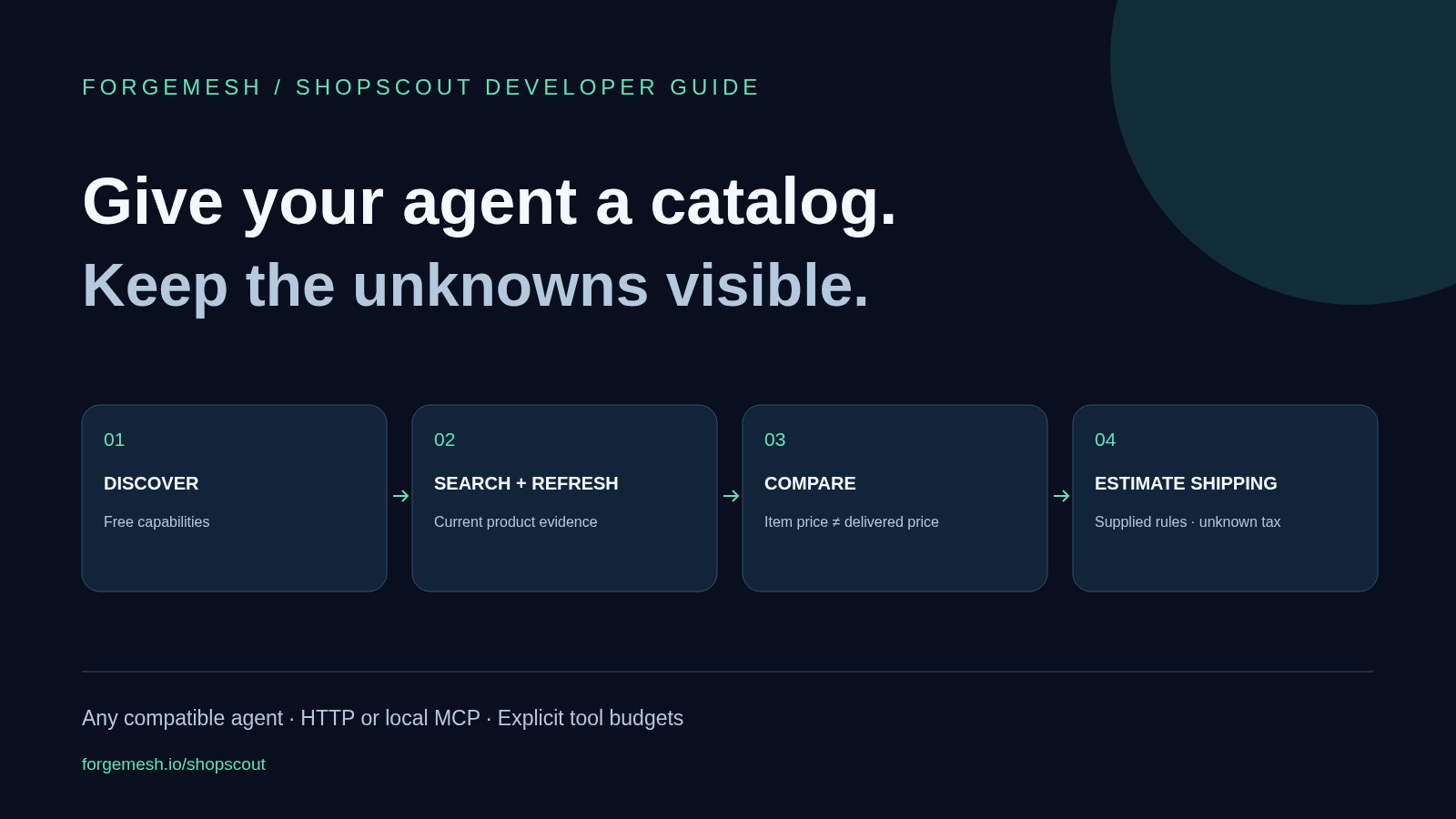
An AI shopping agent needs current product data, a way to compare like-for-like offers and an honest account of missing costs. ShopScout supplies search, product lookup, offer comparison and shipping-plan tools through an HTTP API and an MCP wrapper. This guide shows how to connect them to a tool-capable agent without tying the design to one chat model.
Build around the tool contract, not one chat brand
The useful boundary is between the model that reasons about a request and the tools that fetch evidence. MCP’s architecture describes how a host connects through clients to servers that expose capabilities. It does not grant a model shopping data, payment permission or checkout access by itself.
Use ShopScout’s local stdio MCP server in a host that supports it, such as an appropriately configured Claude Desktop setup. For a custom agent, call the HTTP API or adapt its contract to your framework’s tool format. Check the client’s actual transport support before copying a configuration.
The design can serve Claude-based agents, OpenAI-based agents, other model providers and custom bots. That does not mean every consumer chat app accepts this MCP package. ShopScout’s hosted /mcp endpoint is currently a free discovery surface with list_tools, not a remote replacement for the executable paid stdio tools.
Start with the downloadable, no-payment kit
Download the ShopScout starter kit. It contains a minimal MCP configuration, a Node.js discovery check, valid search and shipping request examples, and an agent instruction file. The examples use illustrative inputs and make no claims about current product results.
Unzip the kit and run node shopscout-discover.mjs with Node.js 20 or later. It reads the free capabilities and OpenAPI endpoints. Add --check-payment-gate to send one unsigned search request and verify that the API requests payment. The script has no wallet support and does not sign or submit a payment.
This first check answers a concrete question: can your environment reach the service and discover its contract? A 402 response to the optional search check is the expected payment gate, not a completed search. It proves neither product coverage nor paid settlement.
Connect the MCP wrapper to a compatible client
The package is @forgemeshlabs/shopscout-mcp. In the kit’s mcp-config.json, the command is npx and the arguments are -y followed by the package name. Merge that server entry into the configuration format your client uses; do not replace unrelated servers.
The starter leaves out WALLET_PRIVATE_KEY. In that state, get_capabilities works and paid tools report payment_required rather than paying. When you deliberately enable payments, supply a dedicated, low-balance Base wallet through the client’s protected configuration. Do not put a real key in prompts, screenshots or a shared example file.
The current wrapper caps each call with SHOPSCOUT_MAX_PRICE_USD, defaulting to 0.01. It checks the payment request before signing and retries once with authorization. See the package README for current setup and payment behavior.
Give the agent a small, explicit shopping workflow
Discover: call get_capabilities first. Check whether a tool is available, disabled or planned. A planned watch operation is not something the agent can schedule by calling it.
Search: call search_products with a query, country and currency. A valid starter request is {"query":"compact coffee grinder","country":"US","currency":"USD","limit":3}. Limit the result count while you test. A valid search that returns no matches can still incur the tool fee.
Refresh: use get_product with a real ID returned by the catalog and the intended options. Never invent variant IDs. Preserve the source timestamps so the final answer can explain how fresh its evidence is.
Compare: pass two to ten distinct returned variant IDs to compare_offers in the same currency. Check size, pack count, model and condition before treating them as equivalent. ShopScout’s comparison ranks item prices; it does not verify product equivalence or declare a final delivered-cost winner.
Estimate delivery costs: call compare_shipping_plans only after you have shipping rules to supply. Keep their source with the request. Then return the shortlist with known prices, missing costs and merchant links. Buying the item belongs to a separate, explicitly authorized checkout flow.
A lower item price is only one part of the answer
The kit includes shipping-example.json with two illustrative offers for one item. Offer A costs 4900 minor units plus 1200 for shipping. Offer B costs 5500 with shipping set to zero by the supplied example rule. In USD, those pre-tax totals are $61 and $55.
The shipping request names items, offers, fulfillment groups and methods. It gives each group a rule_source and supported destination countries. Amounts are integer minor units, not floating-point dollars. The example also supplies a stated maximum delivery time for each method.
These are invented inputs for learning the request format, not live merchant terms. ShopScout compares the plans described by those inputs. It does not fetch a carrier quote or prove the supplied delivery promise.
Keep taxes, duties and landed_total null when unknown. Show the known subtotal beside the missing fields. A UI that converts null to zero can turn an incomplete estimate into a false claim about the cheapest order.
Set a task budget above the per-call cap
The four paid operations currently cost $0.01 each; get_capabilities is free. One search, one product refresh, one offer comparison and one shipping comparison would cost $0.04 in tool fees at that price. That excludes model usage, hosting and any eventual purchase.
A $0.01 per-call cap is not a $0.01 task budget. Ten accepted calls can spend ten cents. Put a separate maximum call count and total tool-fee budget in the host, where the model cannot casually override them.
For a first paid workflow, a four-call limit makes the cost easy to inspect. Stop when the limit is reached, when essential inputs are missing or when the service rejects payment. Do not let the agent retry payment failures in a loop.
Use the live OpenAPI contract as the source for route schemas and consult capabilities for current availability. A free discovery check is a good starting point, but test an authorized paid flow before describing your integration as production-ready.
Keep product text out of the instruction channel
A catalog description may contain claims, links or even text that looks like a command. Treat those fields as untrusted data. They must not change wallet settings, raise budgets or tell the agent which tools to run.
The kit’s agent instructions ask for exact product identity, source links, known costs and explicit unknowns. Enforce payment and tool permissions in application code too. A prompt is useful guidance; it is not a security boundary.
Follow the package guidance not to cache catalog search results. Retain only operational records you need, such as call counts and settlement references, with sensitive information redacted. Refresh product evidence for a decision instead of presenting an old search as live stock.
Run locally first; hosting is optional
The MCP wrapper can run locally while calling the hosted ShopScout API. You do not need a new server just to try it. A persistent custom agent may need hosting later, depending on your application.
If you choose DigitalOcean hosting through our affiliate link, ForgeMesh may earn a commission. You can use DigitalOcean’s direct pricing page without our affiliate link or another host. Hosting is separate from ShopScout’s per-call fees and is not required by the starter kit.
What this shopping agent can and cannot do
It can research products in the configured catalog, refresh details, compare item prices and evaluate supplied shipping rules. It cannot guarantee coverage of every merchant or know a missing tax value. ShopScout does not place orders, provide a scheduler or execute the planned price and stock watches.
Those boundaries make the first version easier to explain: “Here are three options, the evidence I used and what you still need to check.” Use our consumer shopping prompt as the front end to that experience.
Start with the free capabilities endpoint, then connect the ShopScout tools to your agent. For the wider context, read agentic commerce explained and the ShopScout launch.
Related reading: The shopping prompt your users can start with and ShopScout launch and API overview.
- ai
- mcp
- x402
- shopscout
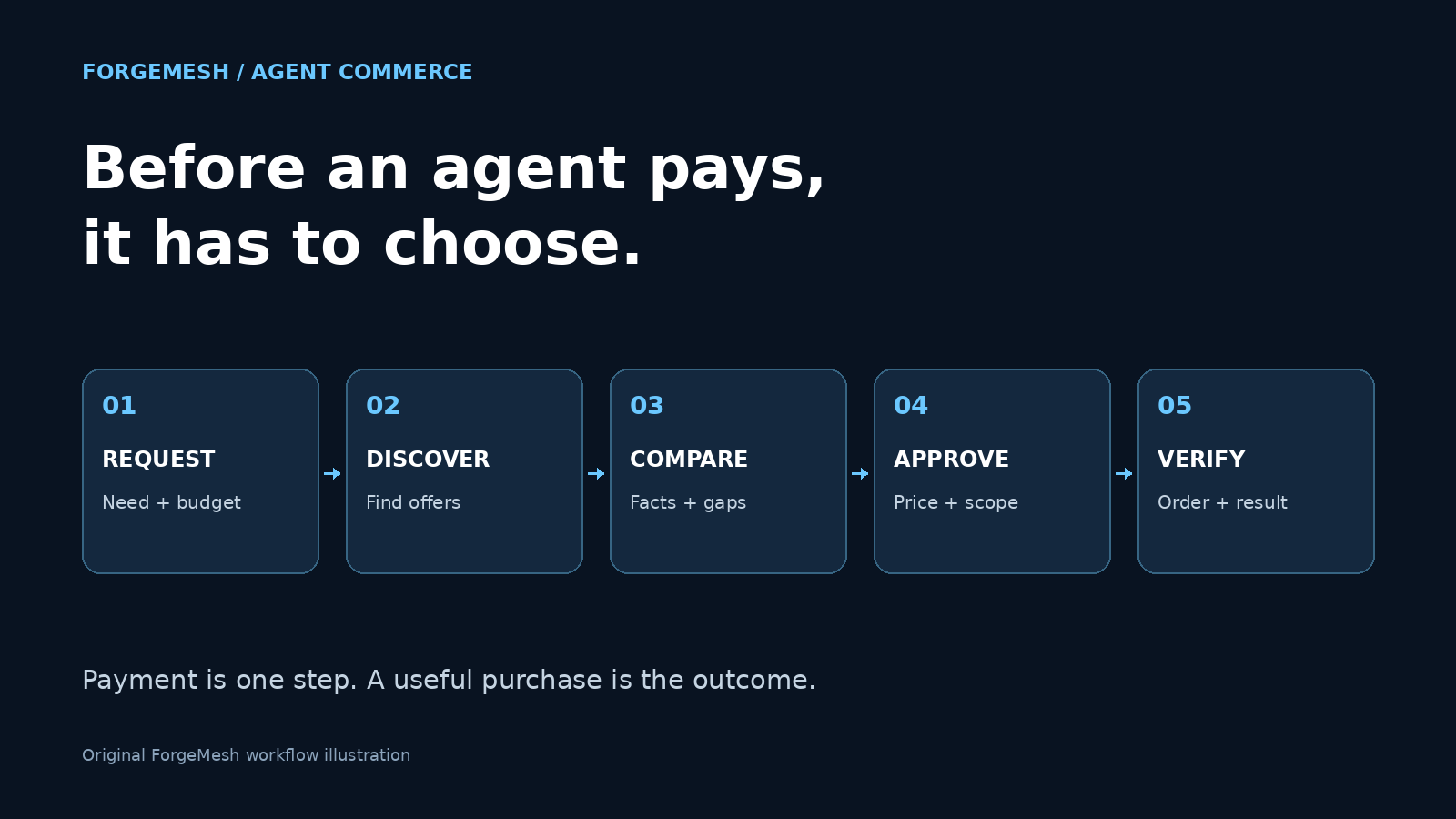 The Machine-Native Economy Starts Before an Agent Pays
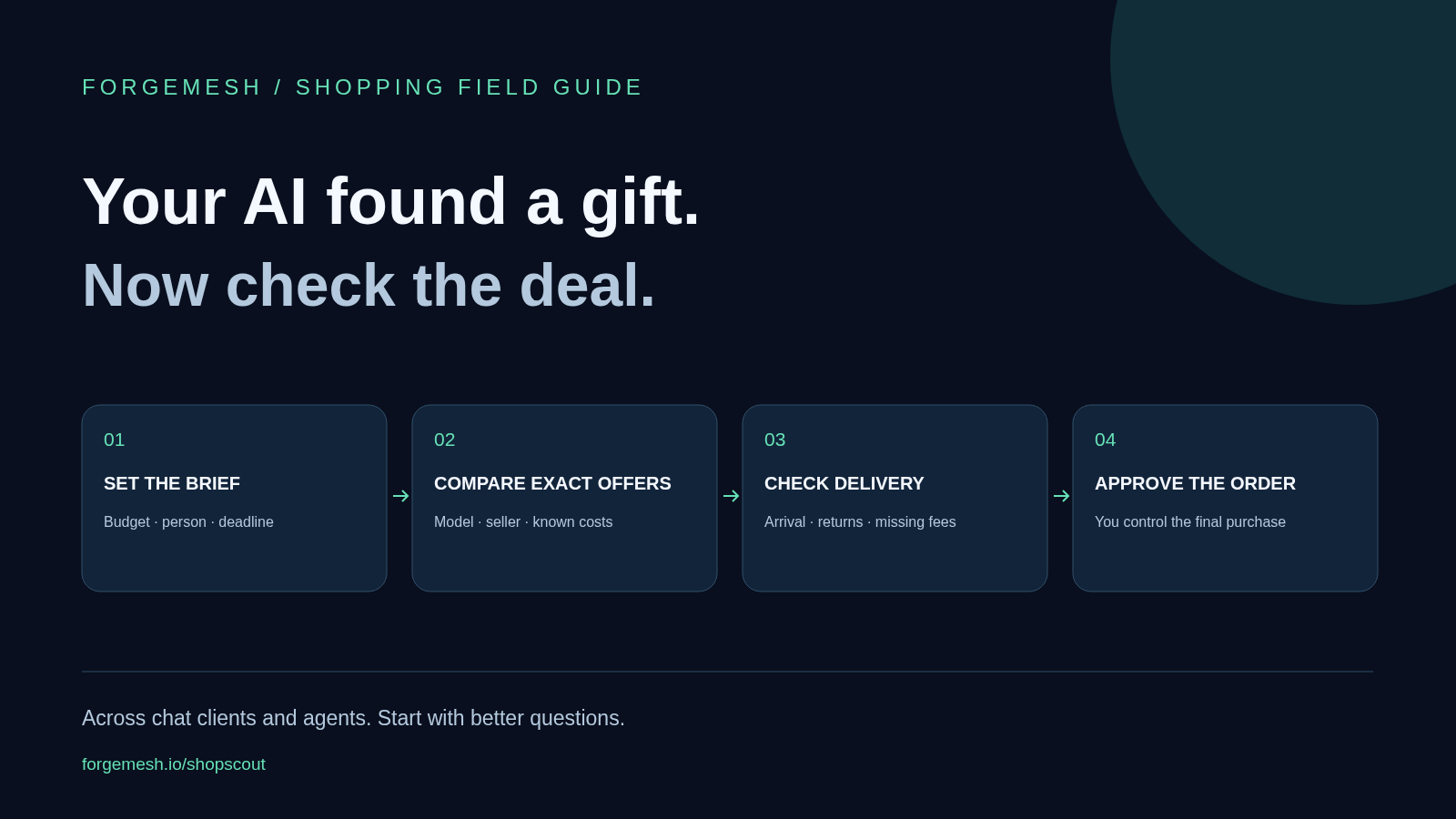 AI Shopping Assistants: A Better Way to Find Gifts
 Kronos Futures: Three Paid Calls That Turn a Price Range Into a Sized Perp Decision, a Funding Read, and a Survival Check
 The Banks Are in One Room in Miami Practicing a Rail With No Public Chain in the Middle. Here Is the Whole Week, Dated.
 Google's 60 Billion Listings Sit Behind an Invite-Only Pilot. Ours Sit Behind $0.01 and an HTTP Request.
 AI, Blockchain, Quantum: The Feedback Loop Just Closed