 Field notes ·
 AI Shopping Assistants: A Better Way to Find Gifts
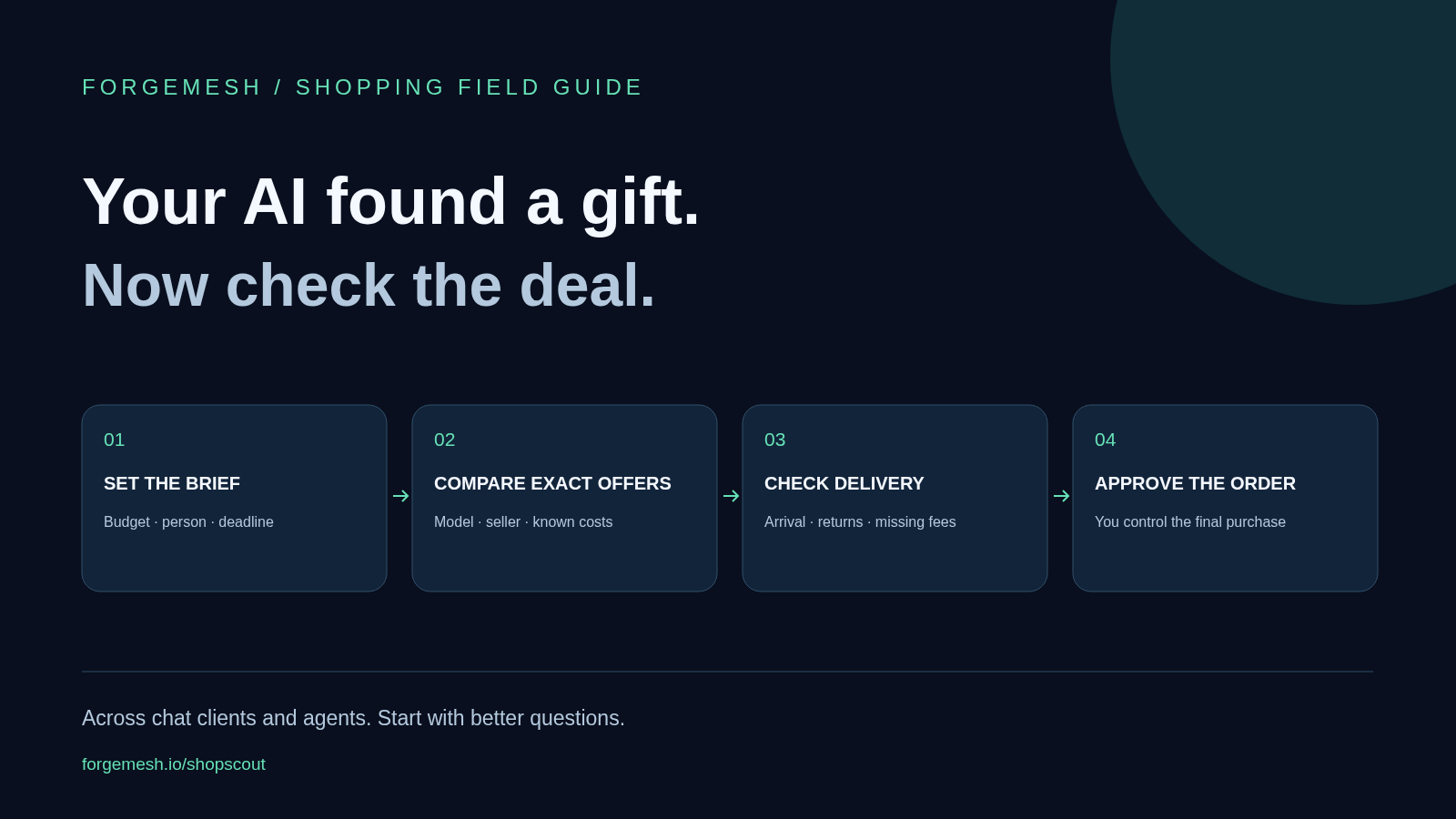
AI shopping assistants can turn a vague gift idea into a useful shortlist. The trick is to give them a budget, a deadline and a few firm rules, then ask for evidence behind each choice. You can use this approach with Gemini, ChatGPT, Copilot, Perplexity, Alexa for Shopping, Claude or a tool-equipped personal agent. What each can search or buy depends on its current tools and your account.
Why AI holiday shopping is worth trying in 2026
Holiday shopping is a good test for AI. You have a person to buy for, a price limit and a date the gift must arrive. That gives an assistant something much more useful to work with than “show me popular gifts.”
In its September 28 holiday shopping forecast, Adobe reported that AI-driven traffic to retail sites grew 127% year over year in August 2026. That measures visits from AI sources. It does not mean 127% more people let a bot buy things on its own.
The practical opportunity is smaller and more useful: spend less time opening tabs, get a clearer comparison and spot missing facts before you pay. This guide focuses on that job across assistants. Our earlier guide to buying through ChatGPT covers the question from one app’s point of view.
Choose by shopping task, then check the app
Google Gemini and Google shopping tools: Google has announced Universal Cart across several of its surfaces, including Gemini. Treat product announcements and features visible in your own account as separate things. Check whether your chosen retailer, country and item are supported before you expect checkout inside a chat.
ChatGPT: Shopping search can surface products and merchant links; eligible listings may offer an in-chat checkout path. A product card is still a starting point. Open the offer to check the exact model, stock and final price.
Microsoft Copilot: Microsoft describes a shopping flow that helps compare options and sends you to the retailer when you choose Buy. Availability varies by market and platform. It can be useful even when the purchase itself happens elsewhere.
Alexa for Shopping: Amazon combined Rufus and Alexa+ into Alexa for Shopping. It brings product help and personal context into Amazon’s shopping experience. A store’s own assistant is worth using for questions about that store; check other sellers when breadth matters.
Claude, Perplexity and personal agents: Start by asking what sources and tools the current session can actually access. Claude’s desktop and web connectors have different setup paths. A connector, browser or shopping tool can change what an agent can do; the model name alone does not tell you whether it can retrieve live prices or place orders.
Copy this prompt into your preferred assistant
“Help me choose a gift for someone who likes cooking and has a small kitchen. My total budget is $75 including shipping and tax. Delivery is to the United States by December 15. Avoid subscriptions, large appliances and items that need a separate paid accessory.”
“Ask up to three questions if needed. Then show three options with the exact model or size, seller, item price, shipping, tax, expected arrival, return terms and a source link. Mark missing facts unknown. Tell me when you checked each offer. Explain one reason to choose and one reason to skip each option.”
“Use live sources if available and say if you cannot access them. Do not call an item the cheapest unless the compared offers are for the same thing. Do not buy anything. Give me a shortlist to review.”
This is a reusable prompt, not a switch that enables missing features. If the assistant cannot browse, give it two or three retailer links or paste the key details yourself. You can still ask it to compare dimensions, terms and trade-offs.
The $49 gift can cost more than the $55 gift
For example, compare these two invented offers. They are not live product recommendations. Seller A lists an item for $49 with $12 shipping. Seller B lists the same item for $55 with free shipping. Before tax, the totals are $61 and $55. The lower sticker price loses by $6.
Now add a deadline. If Seller B only gives an uncertain arrival window, Seller A might still be the better choice for a time-sensitive gift. Ask the assistant to separate the lowest known cost from the option most likely to meet your deadline.
Unknown tax is not zero tax. An unknown delivery date is not a promise. When key details are missing, the useful answer is “check this before buying,” followed by a link to the seller.
Compare the exact product, not just its name
Before you pick a winner, check model number, size, color, pack count, condition and included parts. A two-pack, a single item and a refurbished unit can share most of a title. A cheap appliance may need an accessory that the other offer already includes.
Ask for the evidence that matters to you. For a small kitchen, dimensions may beat a long feature list. For headphones, comfort and compatibility may matter more than an extra codec. For gifts, the return window may matter more than saving a few dollars.
Finish with a simple question: “What would make you change this recommendation?” That often reveals the missing fact that deserves your next click.
Where ShopScout fits into the shopping conversation
ShopScout by ForgeMesh is our shopping tool for agents. An agent with the right integration can search the configured Shopify Global Catalog, refresh product details and compare offers. It can also compare shipping plans using rules supplied to it.
That makes ShopScout useful when you want the assistant to work with structured product data instead of a loose list of suggestions. It is a developer-facing API and MCP tool today; opening a random chat app does not automatically connect it. If you build agents, use our ShopScout integration guide.
Each of its four paid operations currently costs $0.01 in USDC on Base. Capability discovery is free. The service fee pays for the tool call; it does not buy the product. ShopScout does not place orders, run price watches or guarantee a complete search of every store.
Shipping comparisons are estimates from supplied rules, not live carrier quotes. Unknown taxes and duties remain unknown. Those limits are useful: they tell the assistant what it still needs to verify.
Want a starting point for tech gift ideas?
You can browse our Amazon storefront (affiliate link) for ideas, then use the prompt above to compare the item with other sellers. As an Amazon Associate, we earn from qualifying purchases. You can also browse Amazon directly without our affiliate link.
Treat the storefront as a starting list, not a claim that those products are the best or cheapest for everyone. Keep your budget and needs in the prompt. Ask the assistant to justify any recommendation with facts you can check.
Can an AI assistant buy things for me?
Some assistants and retailer integrations offer purchasing for eligible items. Others help you research and then send you to a store. Before authorizing an order, check the seller, exact item, quantity, delivered price and address in the checkout flow you are using.
You do not need automatic checkout to get value from AI shopping. A good shortlist can save time on its own. If you do enable purchasing, make the spending limit and approval rule explicit in the tool’s actual settings.
Do I need crypto or a paid chatbot to try this?
You do not need crypto to use the shopping prompt. Use a client and research tools you already have access to; its plan and usage limits still apply. ShopScout’s paid integration uses USDC, which is a separate choice for people building or configuring agents.
For your next purchase, pick one real task: three gift ideas, the same item at two stores, or a basket that must arrive by a set date. Ask for sources and unknowns. Then check the final offer. If you want to understand the wider shift, start with our guide to agentic commerce.
Related reading: What agentic commerce means in practice and Build the shopping tools behind the chat.
- ai
- shopping
- agents
- shopscout
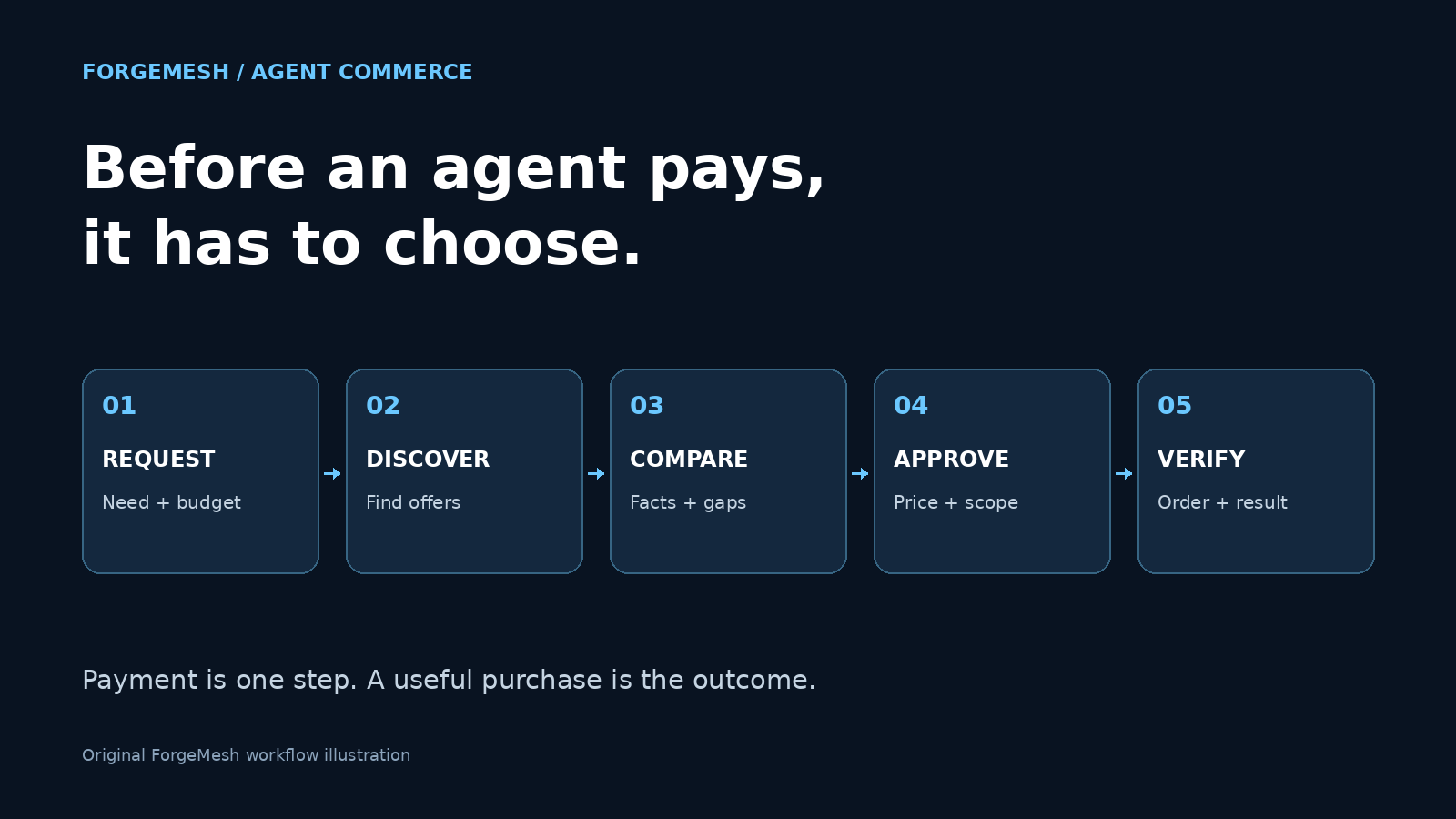 The Machine-Native Economy Starts Before an Agent Pays
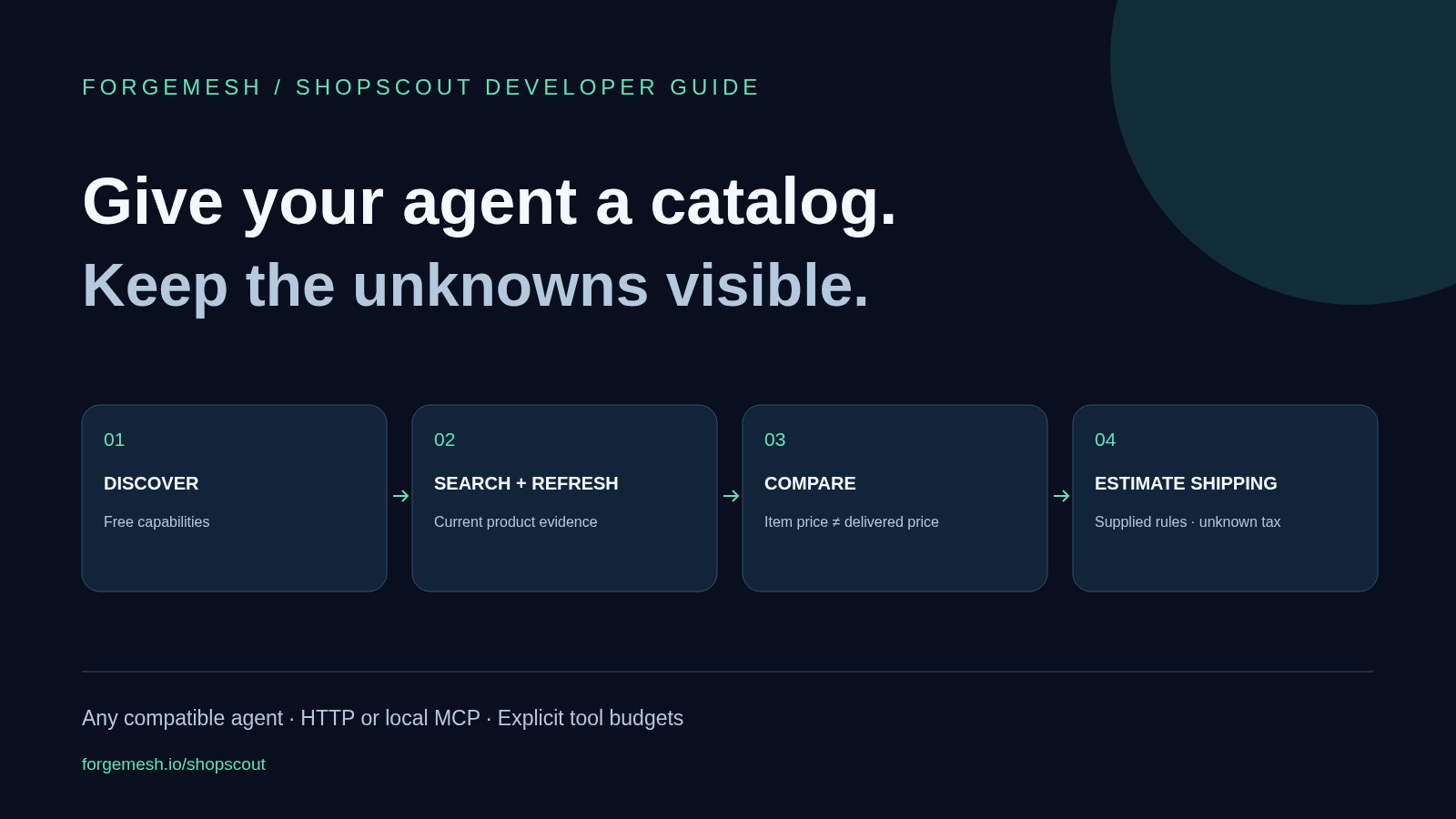 Build an AI Shopping Agent That Knows What a Deal Costs
 Kronos Futures: Three Paid Calls That Turn a Price Range Into a Sized Perp Decision, a Funding Read, and a Survival Check
 The Banks Are in One Room in Miami Practicing a Rail With No Public Chain in the Middle. Here Is the Whole Week, Dated.
 Google's 60 Billion Listings Sit Behind an Invite-Only Pilot. Ours Sit Behind $0.01 and an HTTP Request.
 AI, Blockchain, Quantum: The Feedback Loop Just Closed